Red Eye Remover
Remove red eye from any photo instantly with Toty. Fix flash red eye, restore natural eye color, and enhance portraits — free, no signup, no Photoshop skills needed.
UploadUpload an image


Create faster with examples












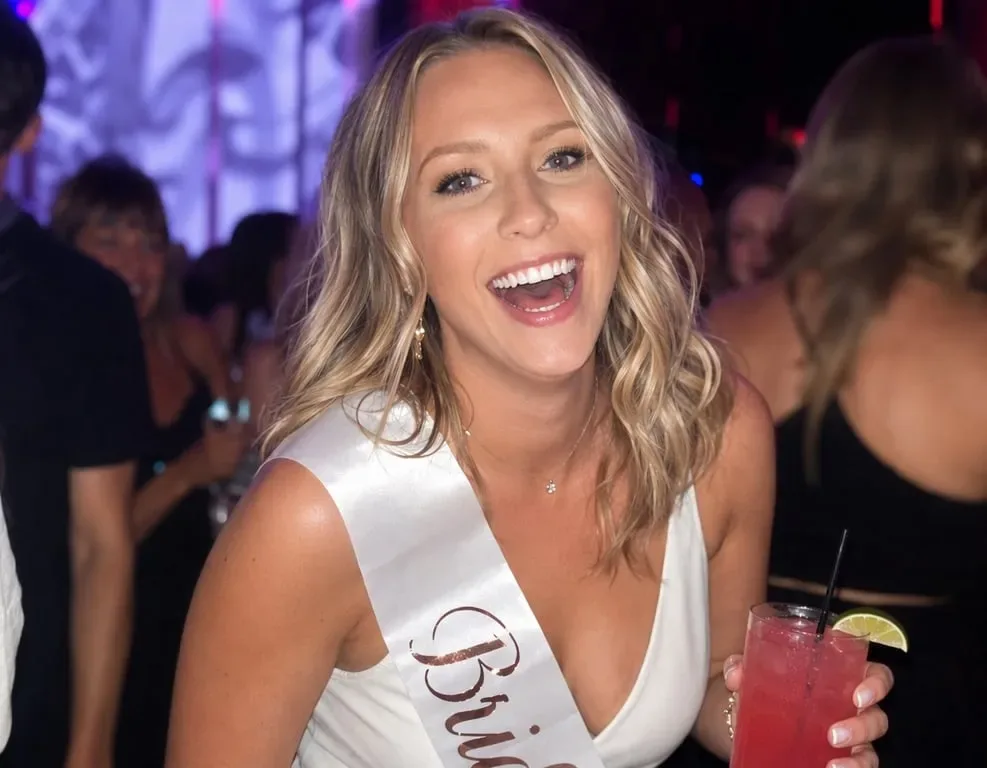


What Can You Do with Red Eye Remover?

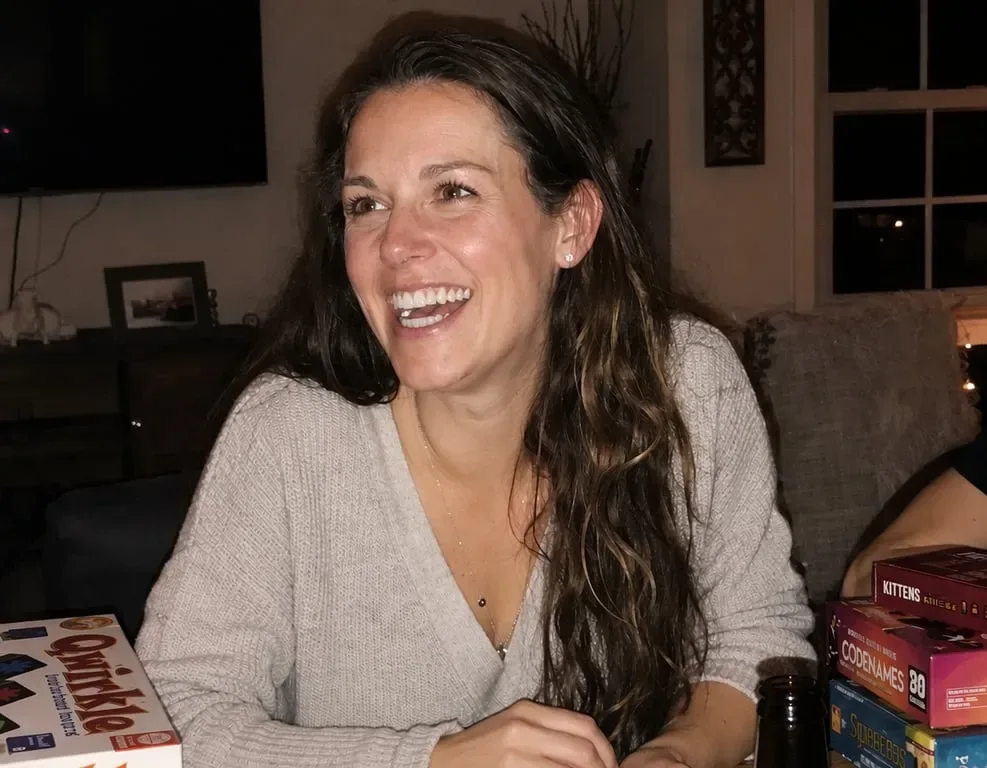
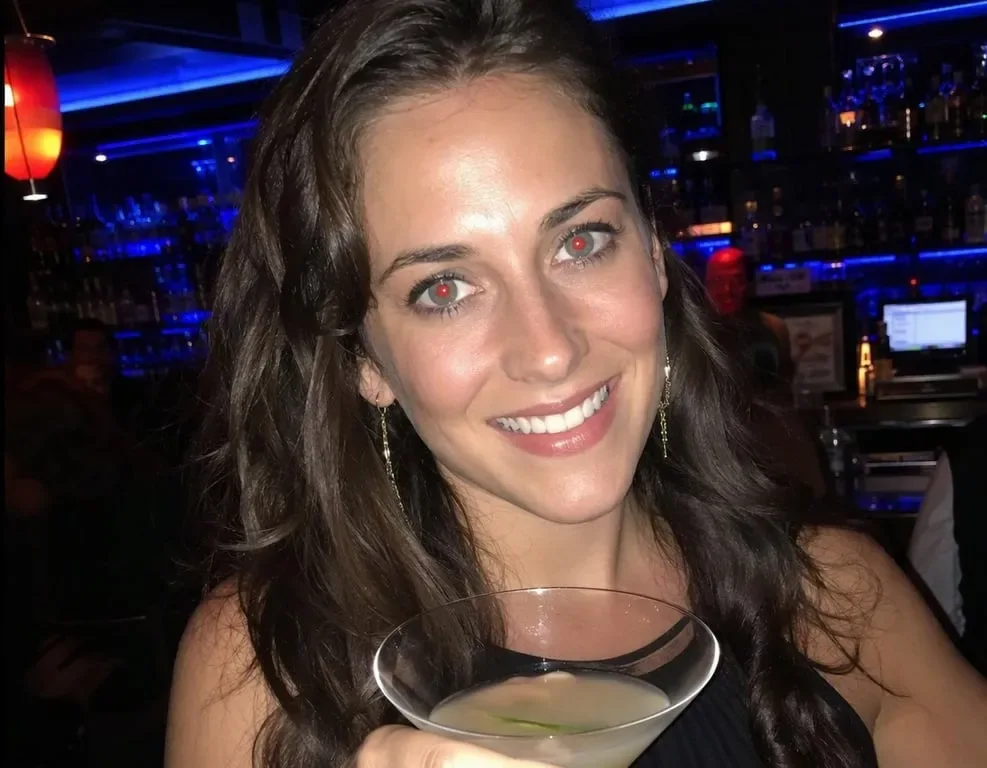
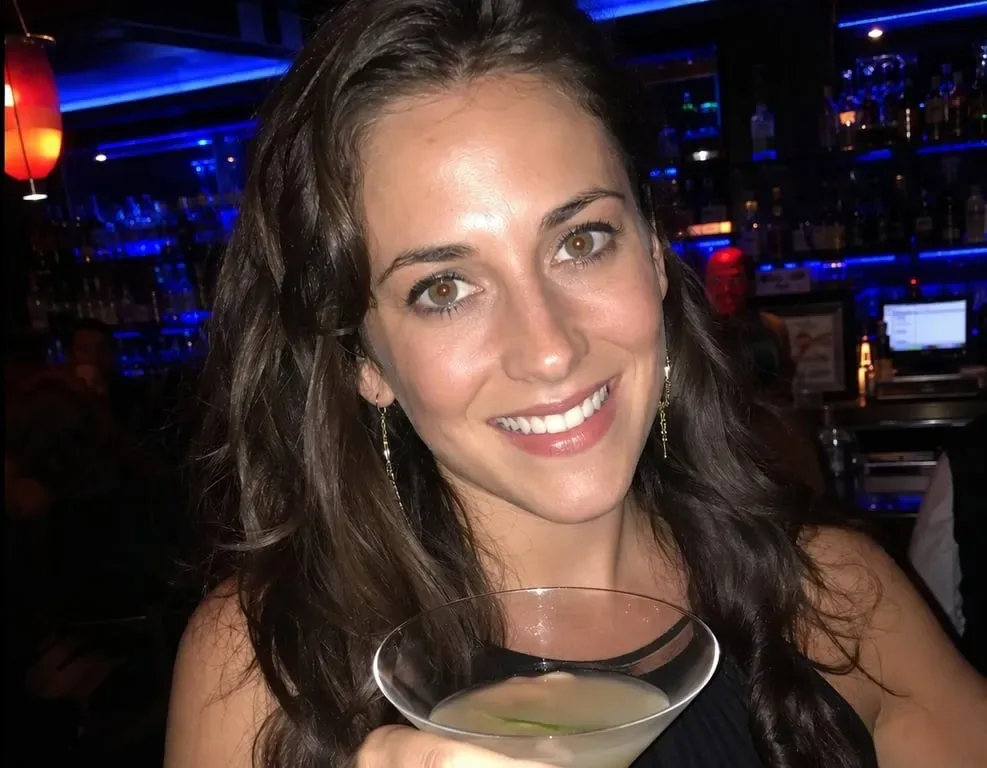
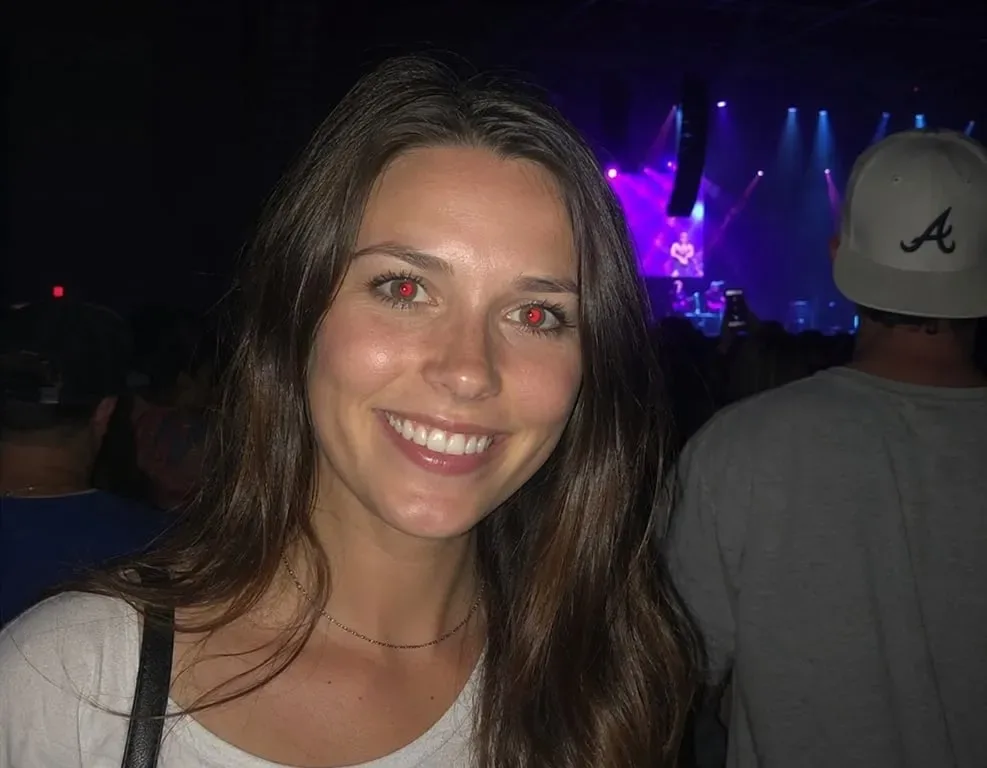
Fix Red Eye in Flash Photography and Indoor Portraits
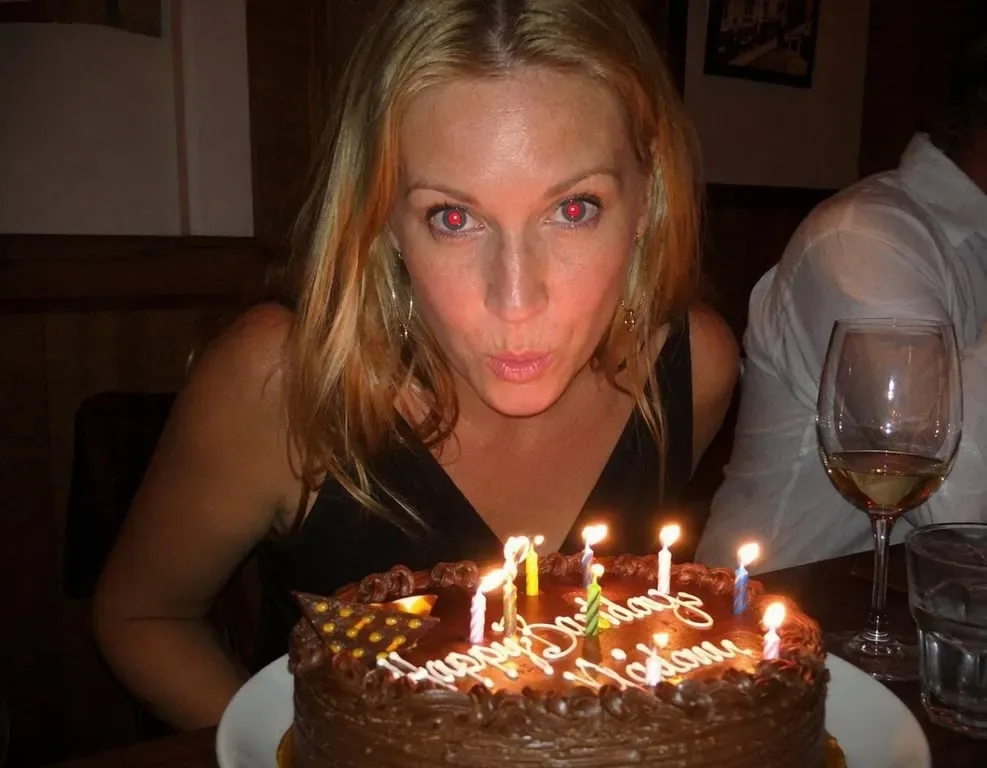
Instantly correct the red eye effect caused by flash photography in portraits, event photos, and indoor shots. Toty restores natural eye color with photorealistic accuracy — no manual selection or editing needed.


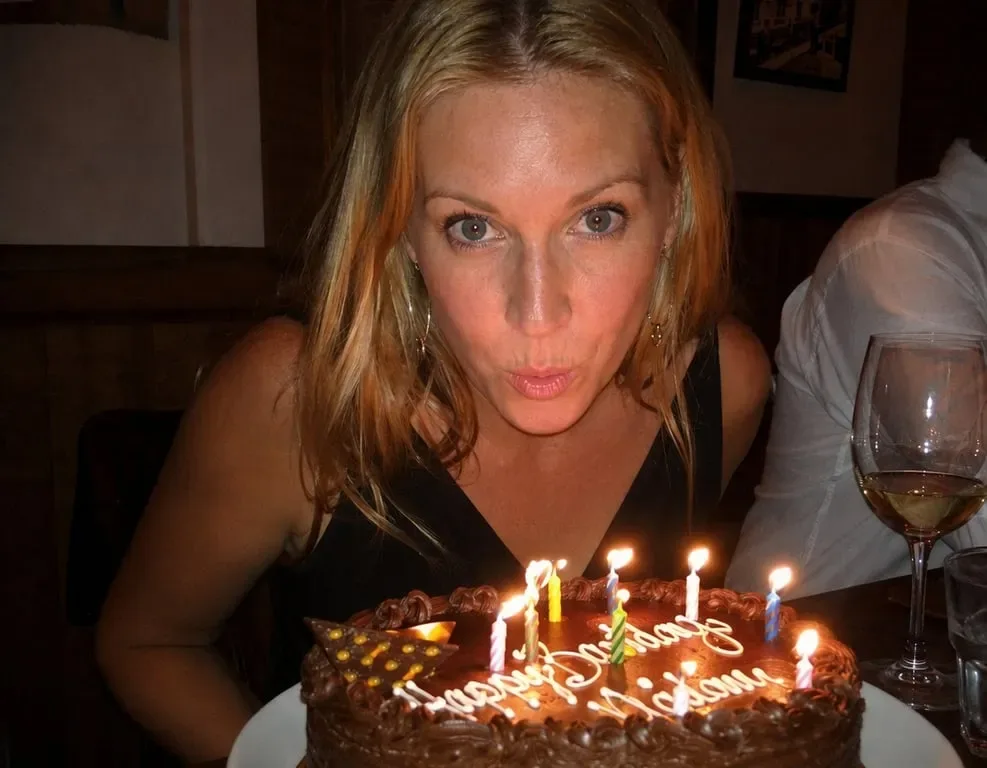
Restore Natural Eye Color in Family and Group Photos
Fix red eye in family portraits, wedding photos, birthday shots, and group photos without complex photo editing. Toty automatically detects and corrects every affected eye in the image.


Enhance Social Media Portraits Before Posting
Remove distracting red eye from selfies and portrait photos before sharing on Instagram, TikTok, and social media. Toty delivers quick, natural-looking red eye correction in seconds.
Why Choose Toty for Red Eye Removal?
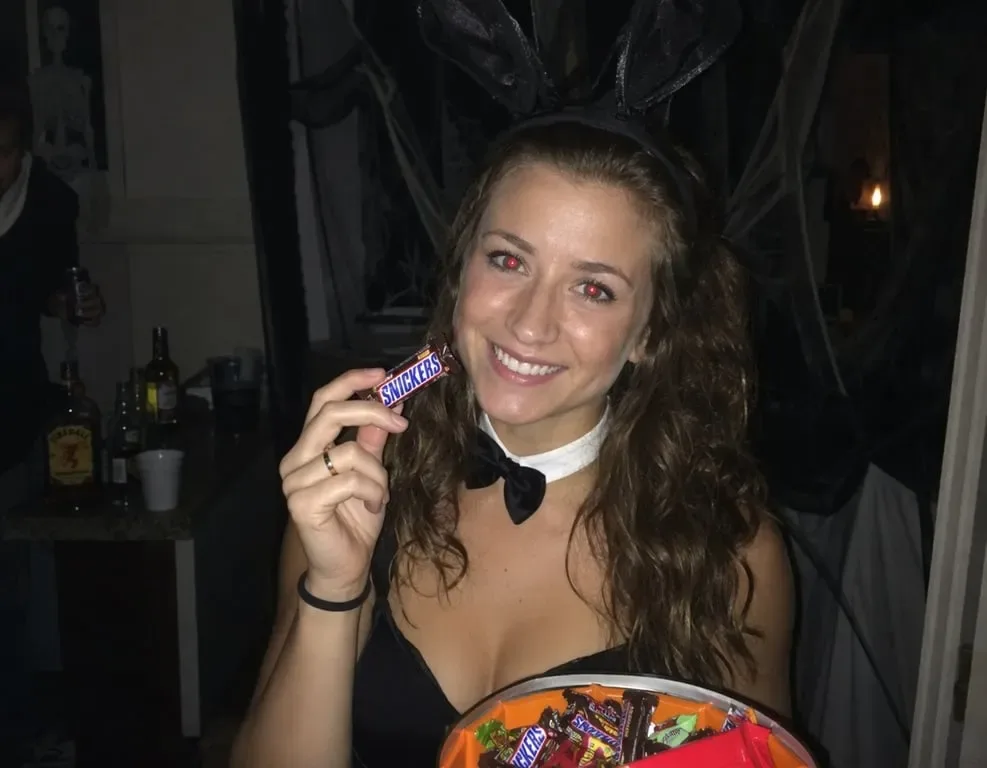
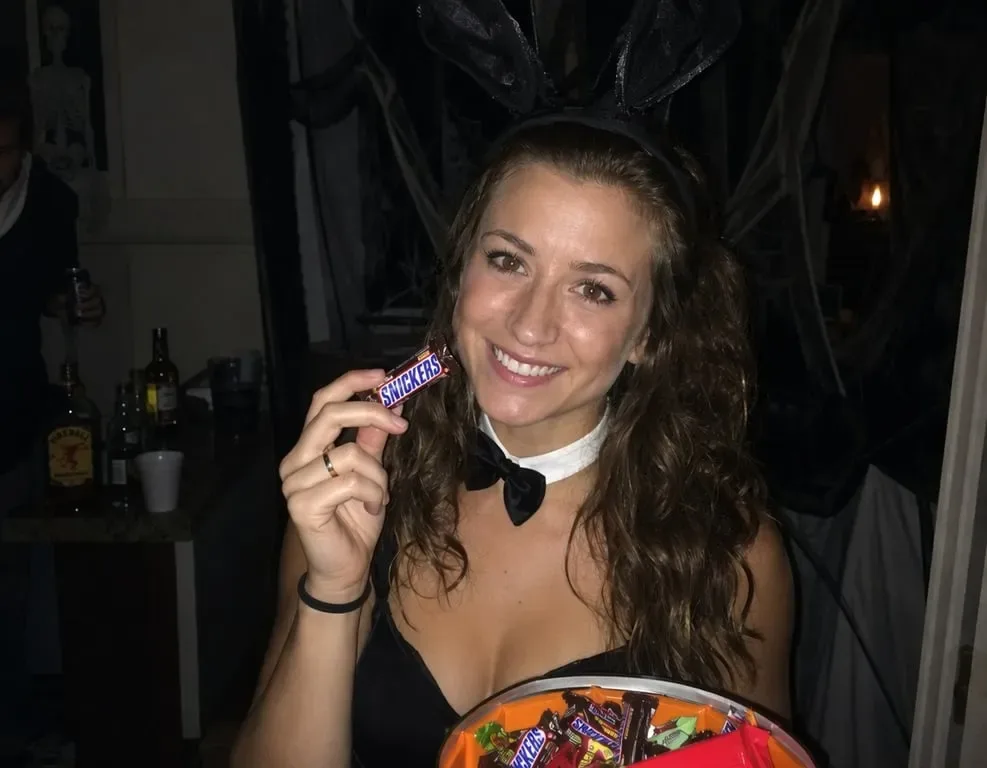
AI-Powered Red Eye Detection — Automatic and Precise
Toty automatically detects red eye in any portrait, even in group photos with multiple subjects. No manual selection or masking required — just upload and the AI handles everything.


Natural Eye Color Restoration
Toty doesn't just darken the red — it restores natural eye color based on the surrounding iris details, creating results that look completely authentic rather than digitally corrected.


Free, Instant, and Works on Any Photo
Fix red eye in any portrait, group photo, or event shot completely free with no account required. High-resolution results are ready to download in seconds.
How to Remove Red Eye with Toty
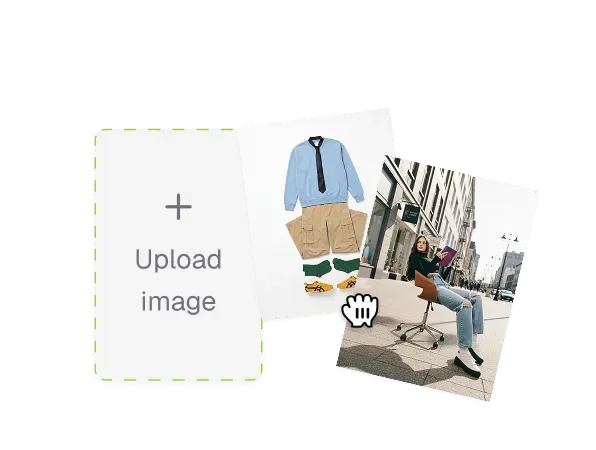
Upload Your Photo
Drag and drop or click to upload any portrait or group photo with red eye. Toty supports JPEG, PNG, and other popular formats.
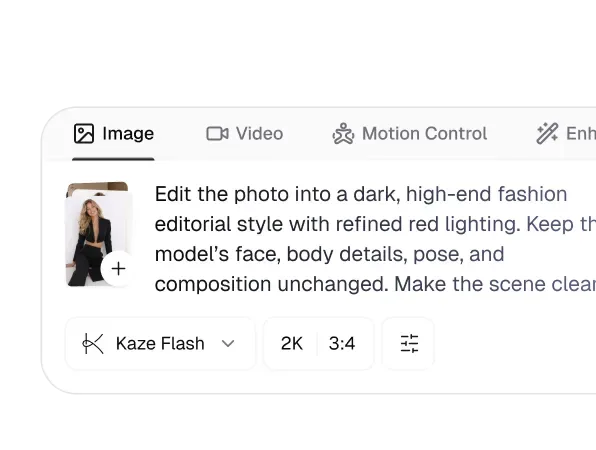
Describe the Red Eye Fix
Type a prompt describing the correction — 'remove red eye and restore natural brown eye color' or 'fix red eyes in this flash photo.' Toty automatically detects and corrects every affected eye.
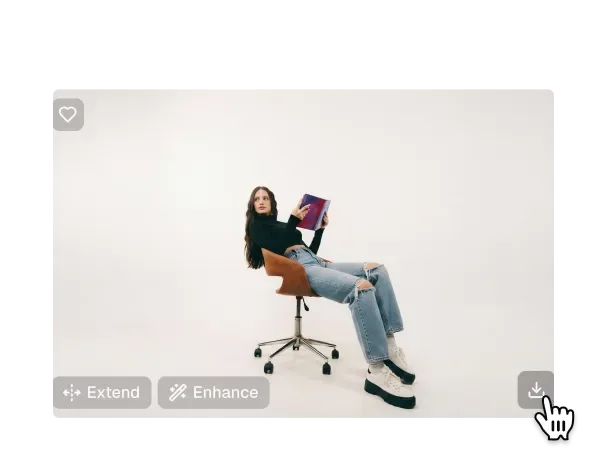
Download Your Fixed Photo
Preview your corrected photo with natural eye color restored and download in high resolution — ready to share or print.

Trusted by over 1M creators
Community of over 1M+ users

Sarah M.
Toty's red eye remover saves me hours of manual editing. Every holiday photo used to have red eyes — now I fix them all in seconds. The natural eye color restoration is genuinely impressive.

Jake R.
At indoor events, flash red eye is unavoidable. Toty corrects hundreds of photos in minutes. The results look completely natural — clients can't tell they were corrected.

Luna K.
My family albums used to be filled with red-eye photos. Toty fixes them instantly and the eye color actually looks real, not just darkened. Completely free too!

Aria T.
I fix red eye in all my portrait selfies before posting. Toty is the fastest solution I've found — one upload, natural eye color restored, done. No Photoshop needed.

Marcus B.
Wedding photos often have indoor flash red eye. Toty handles corrections naturally. My couples are always amazed at how quickly I can deliver red-eye-free galleries.

Sofia L.
We use Toty for product photography featuring models. Indoor shoot red eye used to require expensive retouching — now it's a free two-second fix. Game changer for our workflow.
FAQ
Red eye occurs when camera flash reflects off the blood vessels in the retina. Toty automatically detects and corrects this effect by analyzing and restoring natural eye color.
Yes! Toty offers a completely free red eye remover online with no account or signup required. Upload your photo, describe the fix you need, and download your corrected image instantly.
Yes — Toty automatically detects and corrects red eye in every affected subject in group photos simultaneously, with no need to select each eye manually.
Yes — Toty restores natural eye color based on surrounding iris detail, not just darkening the red, for completely authentic results that look like the flash never happened.
Toty supports JPEG, PNG, and other popular image formats. Output is high-resolution and ready for both print and digital use.
Explore more AI features
Discover new Toty features here